
Fast batch operations
Edit large groups of images in minutes instead of hours.
Professional Photo Workflow Suite
Gledhill Metadata helps photographers and teams batch-edit EXIF/IPTC/XMP fields, apply reusable templates, and rename files with precision — all locally on your desktop, with clear docs and a visual user guide when you need them.
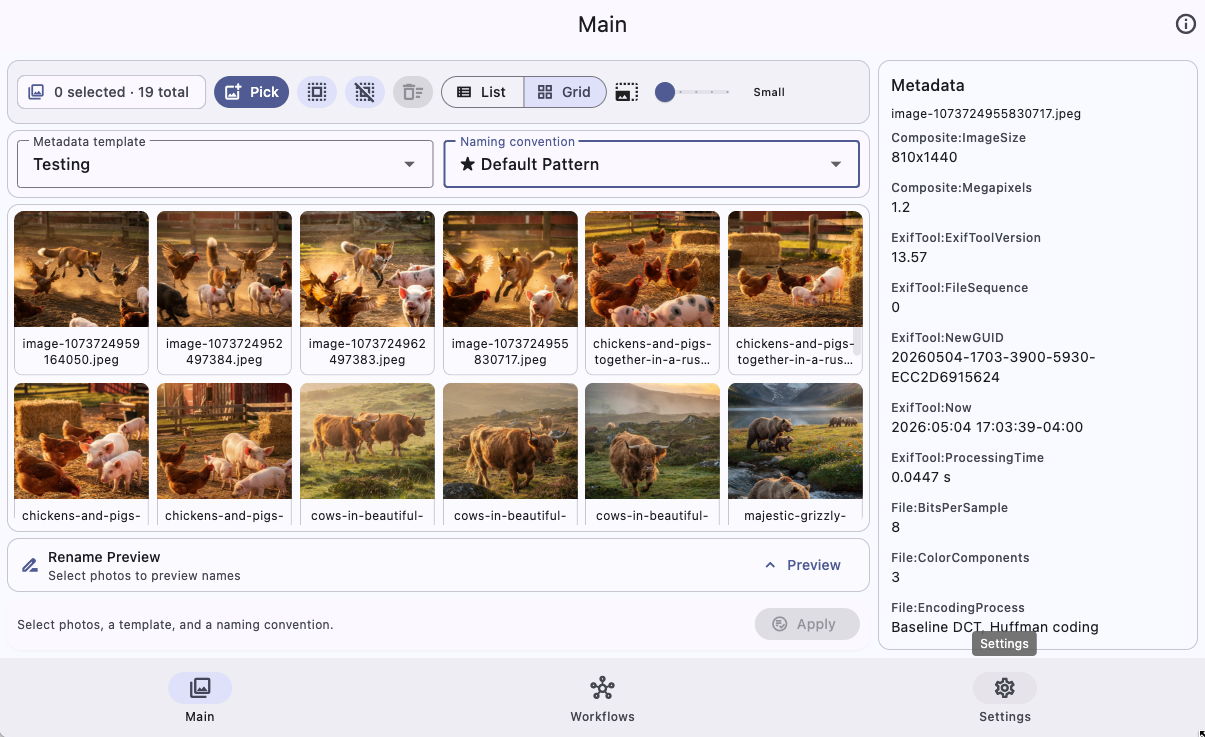
Edit large groups of images in minutes instead of hours.
Your photos and metadata stay on your device — no forced cloud upload.
Same workflow on macOS, Windows, and Linux.
Save reusable metadata profiles and apply them with confidence.
Everything you need to standardize photo metadata and naming conventions across your library.
Update key EXIF/IPTC/XMP fields in bulk with clear controls and predictable output.
Create metadata presets once, then apply them to future shoots in a single step.
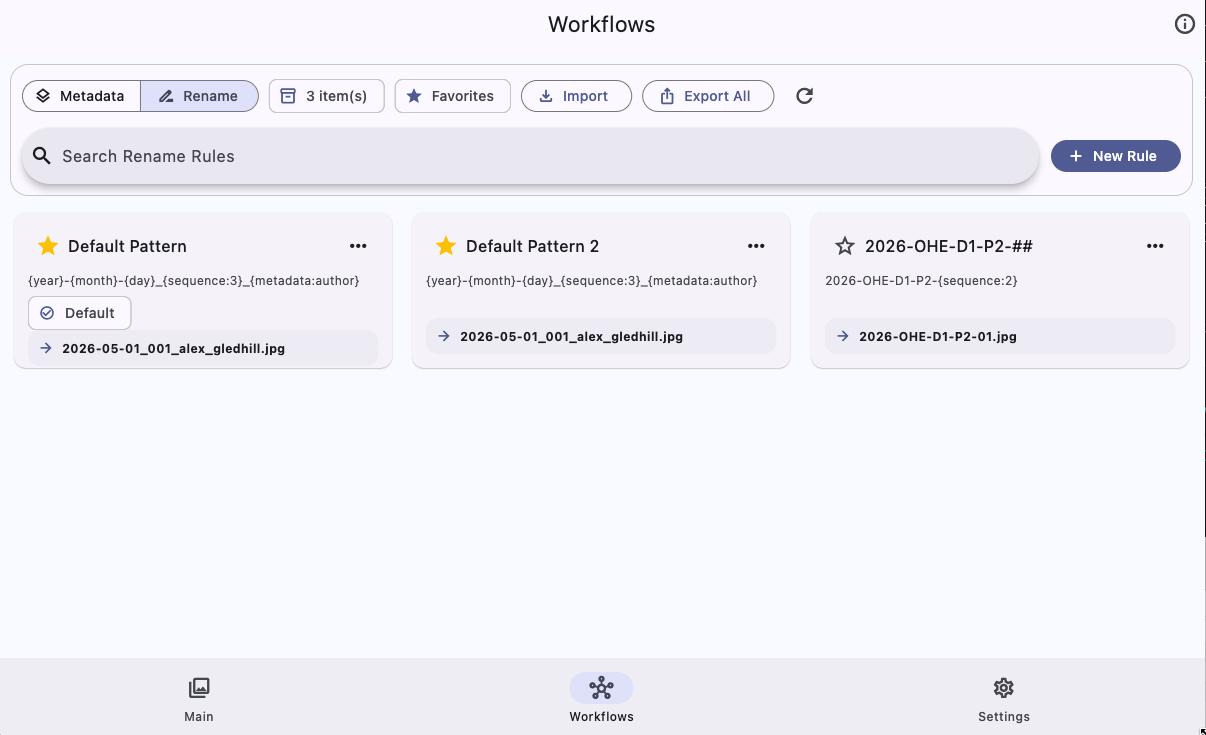
Apply naming patterns safely with sequence and preview support before commit.
The homepage, documentation, and user guide now work together as one product hub.
Use the docs for quick start steps, template guidance, troubleshooting, FAQs, and support details.
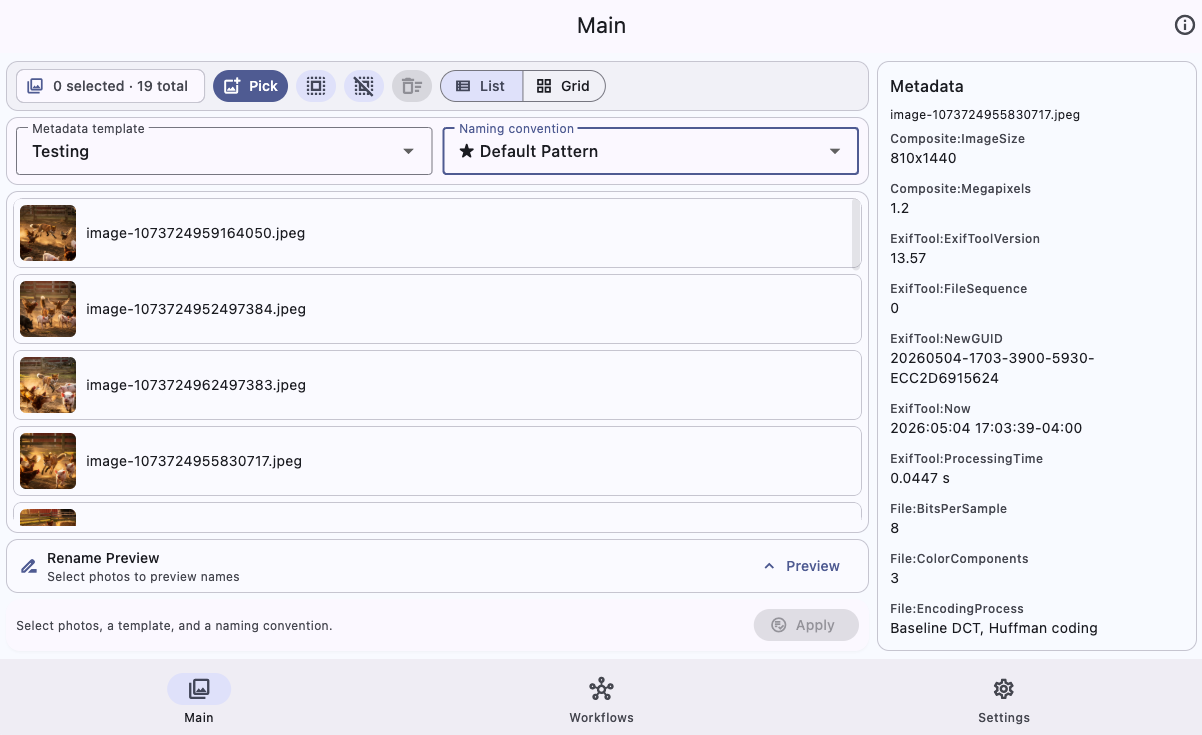
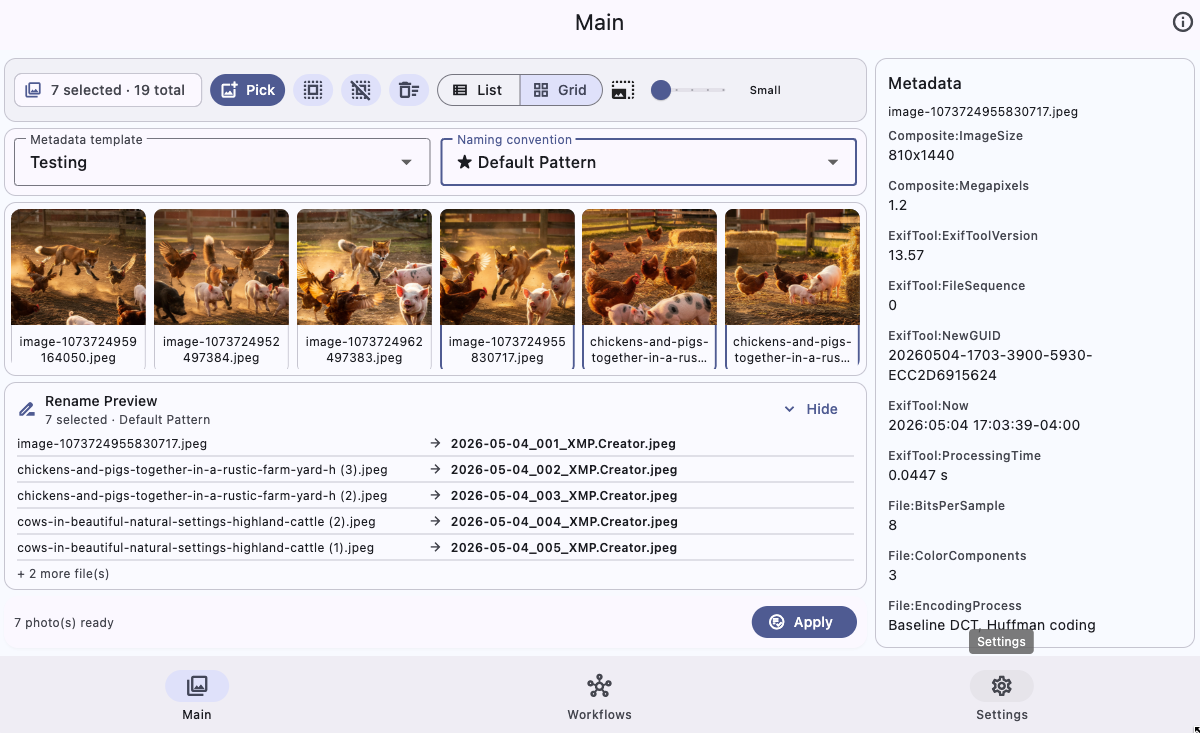
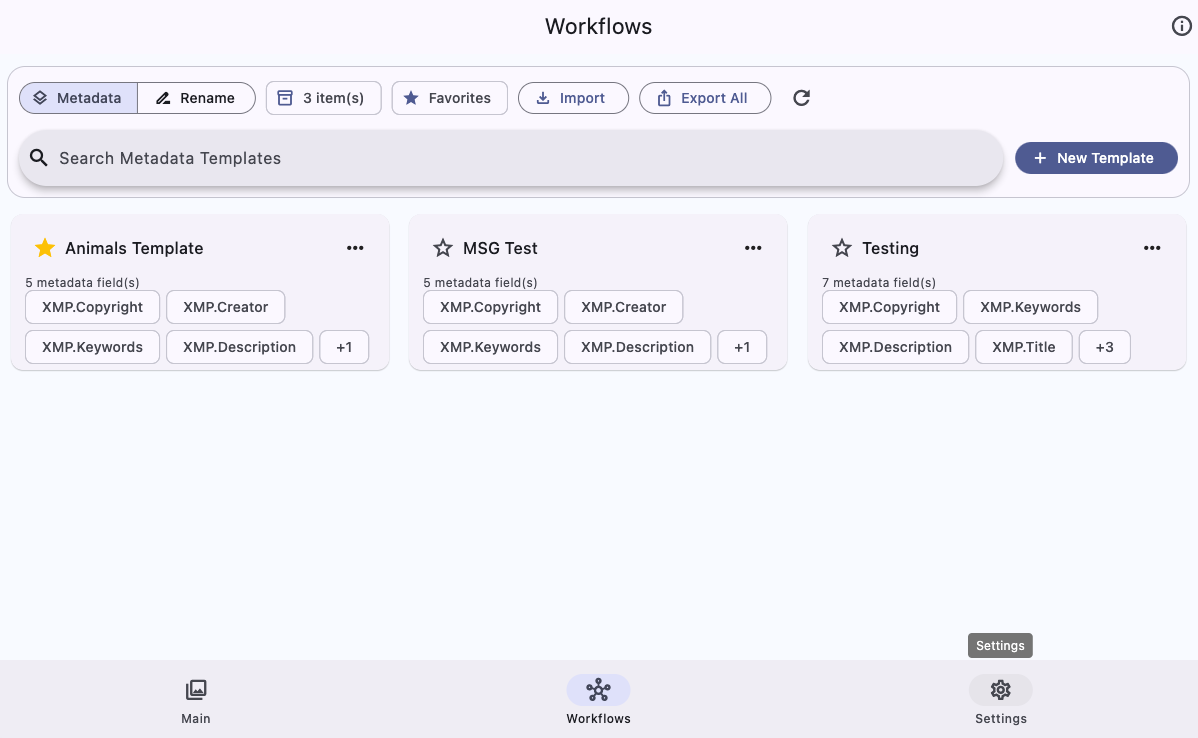
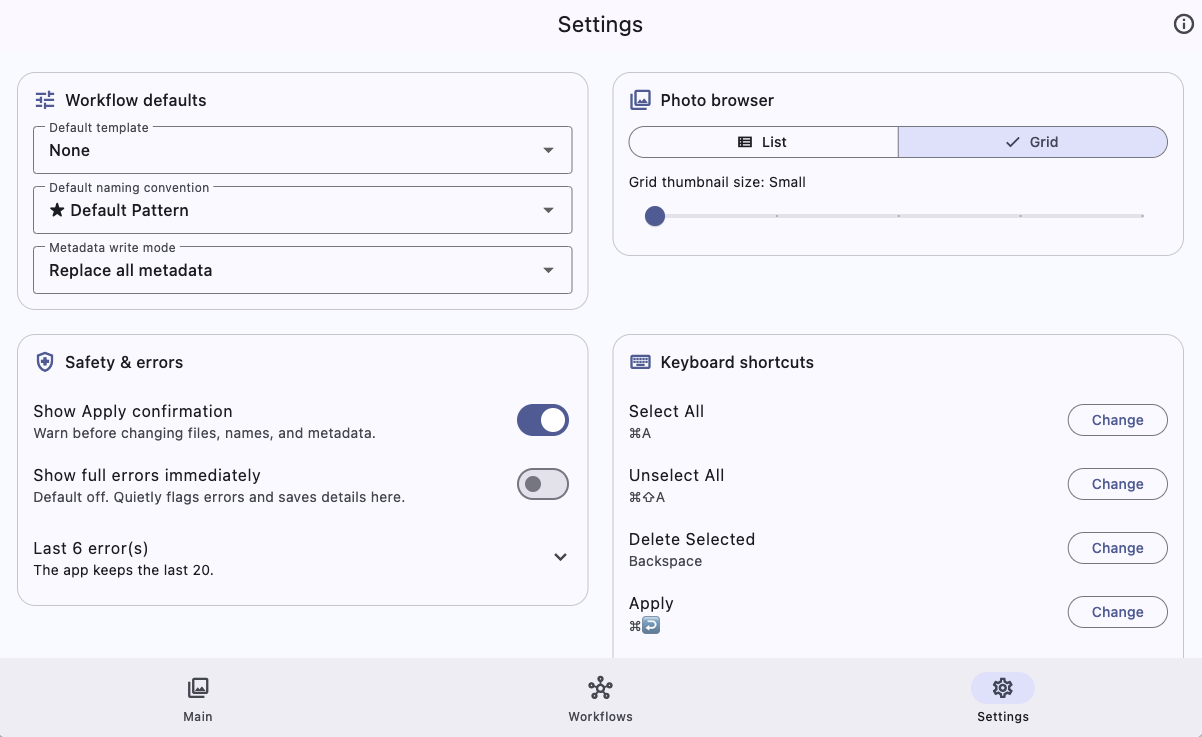
Use the screenshot guide for a step-by-step walkthrough of Main, Workflows, and Settings.
Browse the same current app screens used in the visual user guide.
Choose your platform and start shipping cleaner metadata today.
Current release: v1.8.0
Intel + Apple Silicon DMG build.
Download .dmgNative installer for modern Windows machines.
Download .exePortable AppImage for distribution-friendly installs.
Download AppImageOptional convenience scripts for install and uninstall.
curl -fsSL https://raw.githubusercontent.com/Nerd-or-Geek/Gledhill-Metadata/main/linux/install.sh | bashcurl -fsSL https://raw.githubusercontent.com/Nerd-or-Geek/Gledhill-Metadata/main/linux/uninstall.sh | bashGledhill Metadata is free for individuals and open source. Businesses are encouraged to contribute.
Use the docs for reference details and the user guide for screenshot-by-screenshot walkthroughs.